Since some months I'm an happy user of a Sony Portable Reader System (PRS-505).
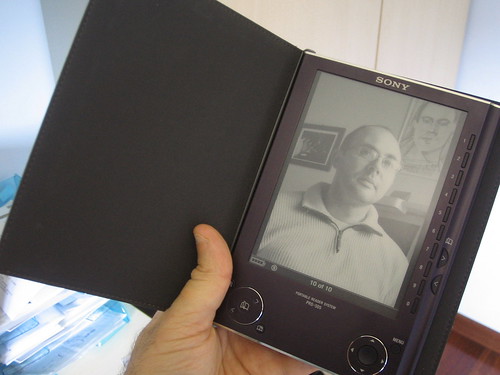
It's a fantastic device, and actually I can comfortably read digital articles and books, instead of burning my eyes in front of a lightly monitor.
I can even use it with Linux, thanks to Calibre.
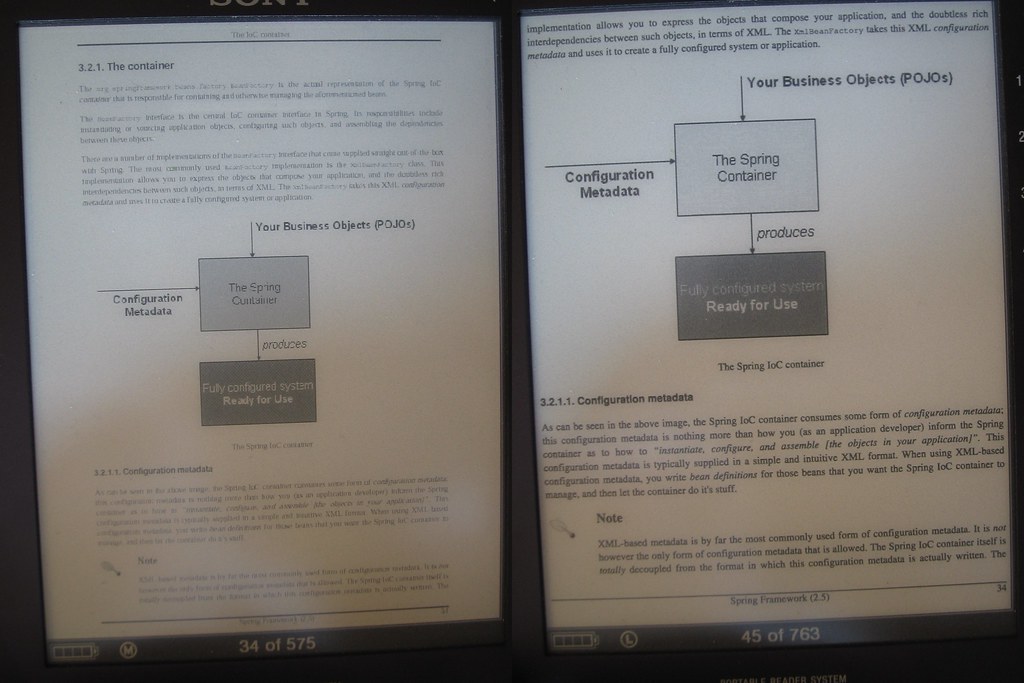
The PRS-505 can natively read PDF files, but the rendering is not always appropriate, and it's very difficult to read long text without headaches. So, I usually convert them from PDF to LRF.
Look at the result. On the left the original PDF. On the right the same page in the resulting LRF.
The conversion is very easy. You mainly need Ghostscript, for embedding all fonts in the PDF, and the pdflrf converter.
I wrote a simple script for easily run them with the correct parameters:
#!/bin/sh
# pdflrf_converter.sh by Lucio Benfante

gs -dSAFER -dNOPLATFONTS -dNOPAUSE -dBATCH -sDEVICE=pdfwrite \
    -dCompatibilityLevel=1.4 -dPDFSETTINGS=/printer          \
    -dCompatibilityLevel=1.4 -dMaxSubsetPct=100              \
    -dSubsetFonts=true -dEmbedAllFonts=true                  \
    -sOutputFile=$1.embedding -f $1

pdflrf -r --rotation="0" --colors=8 -i $1.embedding -o $1.lrf

rm $1.embedding
Launch it with passing your PDF file as its single parameter:
pdflrf_converter.sh myBook.pdfPlease let me know if it's useful for you, or if you could find a better set of parameters for gs/pdflrf.

